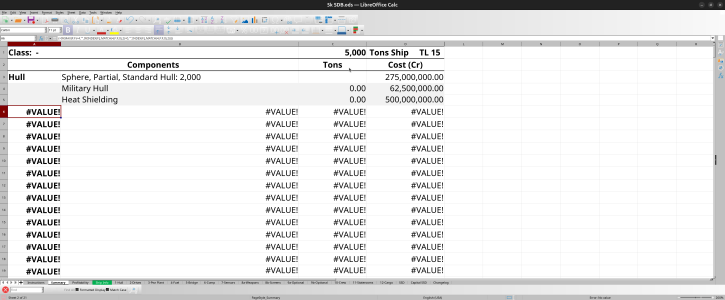
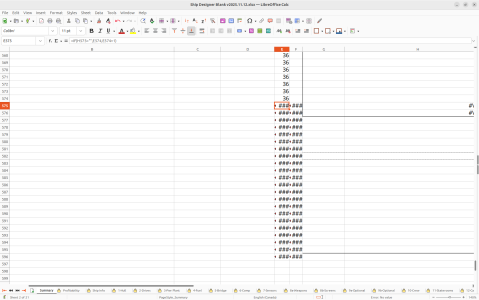
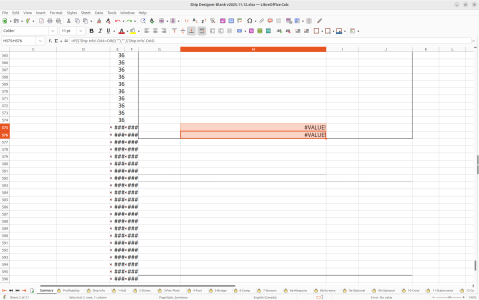
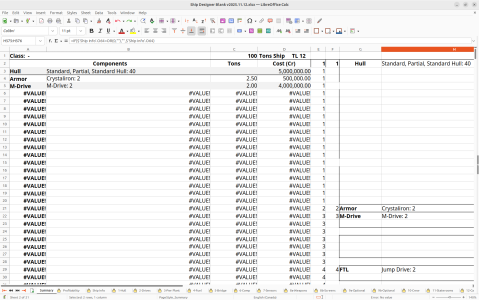
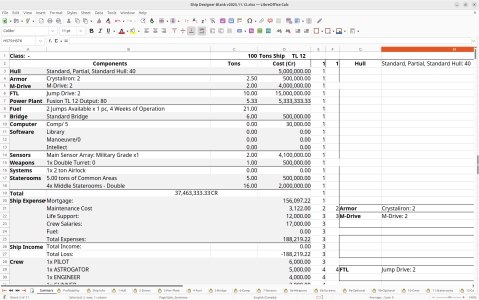
The problem I'm encountering (and it should be the case in the example sheet I sent you) is that the linefeeds are real, there and working (they're not imported: they're from using alt-enter to insert a CRLF).
However, your target rows are fixed in height, so the first line is shown but everything after the CRLF is hidden.
So it is possible to make the text show correctly by expanding the height of the row above the one with missing text. Formatting is not perfect of course, because the target rows only take a fixed number of characters, as you say, so you end up with the correct amount of characters but split across fields.
So the fix for anyone experiencing this on existing sheets is to unprotect the sheet (the password is "Password") then expand the height of the cell before the missing text.
For fixing the problem in the sheet without the user having to manually expand cells I found that the following code worked: it shows all the text (although that can, as noted, lead to short lines). It feels a lot less hacky to me, though, than inserting manual mark-up characters.
Code:
Private Sub Worksheet_Calculate()
    On Error GoTo CleanExit

    Application.EnableEvents = False

    Dim rng As Range
    ' set this to the output area that contains the indexed text
    Set rng = Me.Range("B:B")   ' example: column B only (change as needed)

    Dim r As Range
    For Each r In rng.Rows
        If Not r.EntireRow.Hidden Then
            ' Skip rows that contain merged cells (AutoFit can fail on them)
            If Not r.MergeCells Then
                r.EntireRow.AutoFit
            End If
        End If
    Next r

CleanExit:
    Application.EnableEvents = True
End Sub