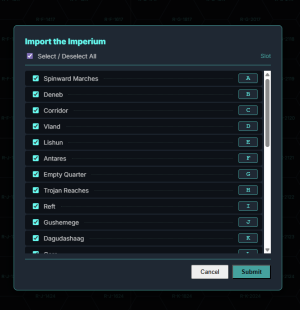
This is a corrected version of the Rzakki sector from TravellerMap. It's been submitted to official updating but still waiting to hear back on it going up.
I think I was just downloading the tab delimited text file, not the JSON, so I missed that.
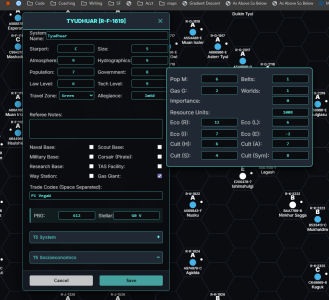
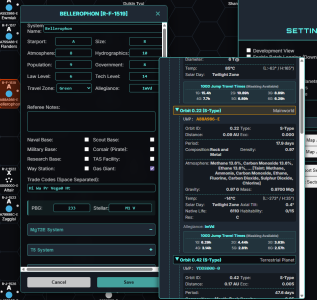
When I ran the expanded Socioeconomic (Mongoose) it changed the Cx values, though it does warn you that it's going to do it. The expanded system info didn't give any warnings nor overwrite anything that I noticed so that is working. I didn't try the T5 versions.
OK working backwards, I found the problem in not carrying over the Cx values (and the Ix and Ex values were not safe either), so that should be resolved shortly.
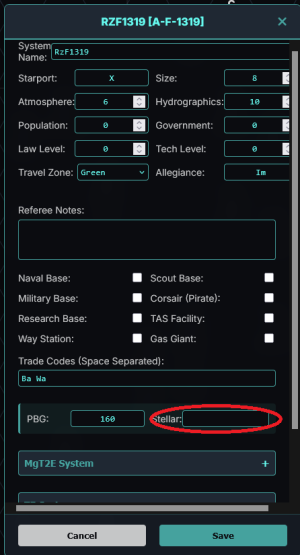
The stellar values SHOULD load from a .tsv but the format was designed to be taken from Travellermap, so if your .tsv is slightly different it could be missing. It might be resolved once it has been uploaded to Travellermap.
There is no documentation yet so things are a little confusing. Bottom line:
Import Sector (.tsv) -> this is for getting sectors from Travellermap (or any other source you make the effort to look like a Travellermap file)
Export Sector -> This is for using the Travellermap tools like booklet maker or poster maker. Use this file. I don't think it loads routes yet. Just mainwolrd/star/uwp data. It will not keep a record of anything Travellermap does not keep (no mongoose WTN or nonmainworld UWPs) because Travellermap does not use those.
Save JSON -> This is your save file. It saves everything (routes, moons, WTN whatever you have) into a text file format that is known as JSON. As long as you don't mess with the format you should be able to change the data inside if you want to try. But make a copy first.
Load JSON-> This is how you load your file so you can continue working or share it with someone else. This will have the full details.
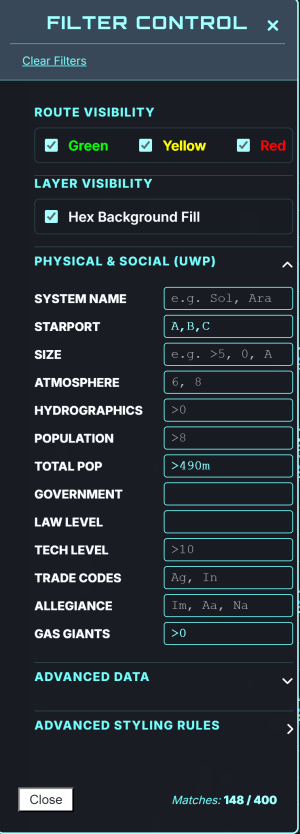
Note: You can also import and export filter rules. So if you have your favorite style for one sector and want to apply it to another file, you don't have to start over.