High Guard 2022 Ship Design Spreadsheet Walkthrough

Let's build a simple tramp trader, something like a Free Trader:

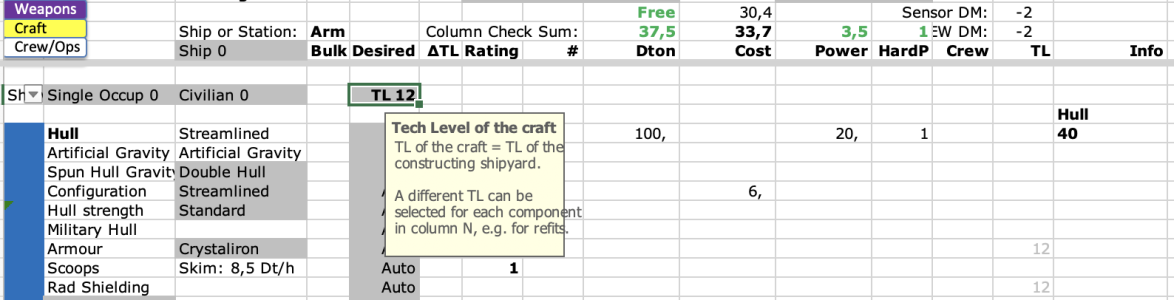
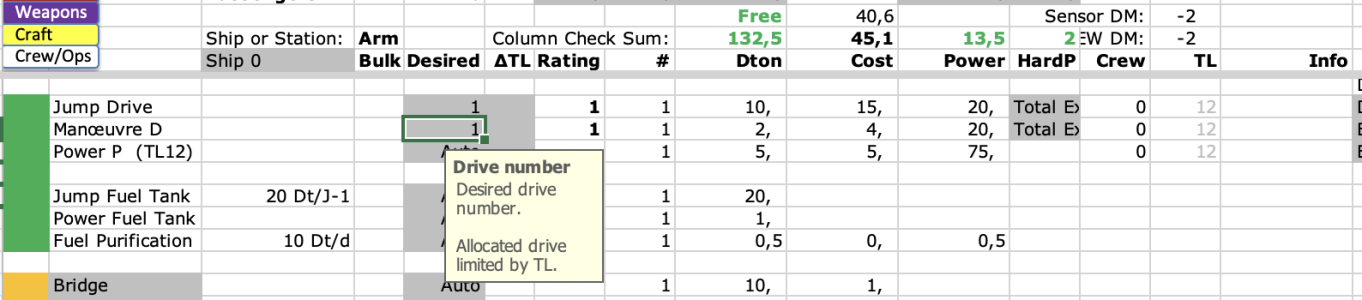
Start with TL and basic setting, TL 12 seems reasonable:
Skärmavbild 2026-01-09 kl. 12.30.47.png


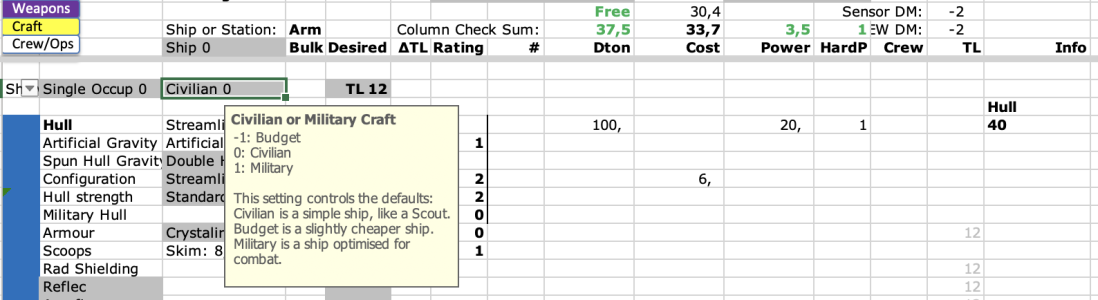
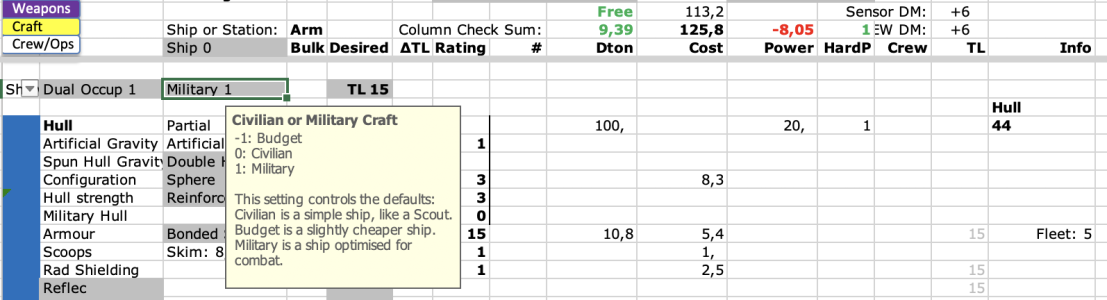
The basic setting controls a lot of default values. Specify "0" for a standard ship.
Skärmavbild 2026-01-09 kl. 12.34.37.png


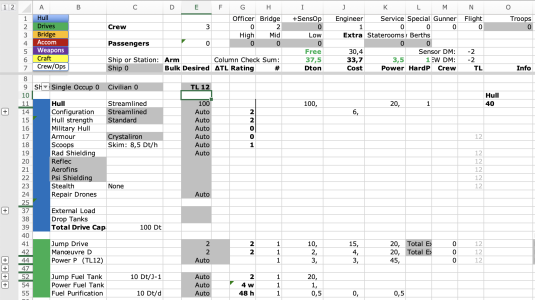
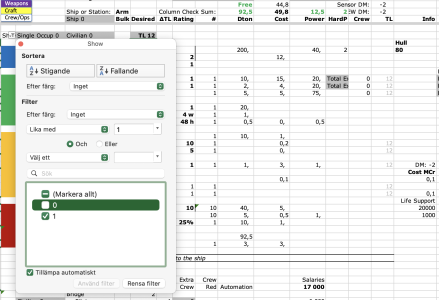
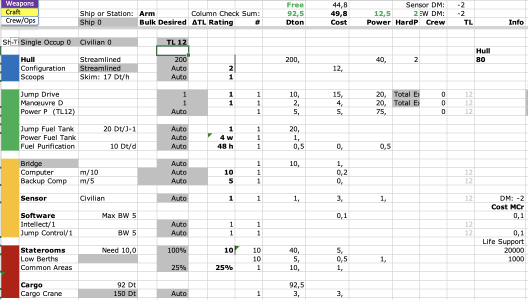
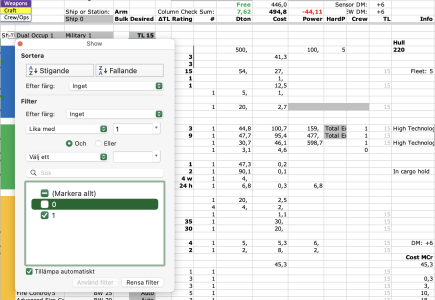
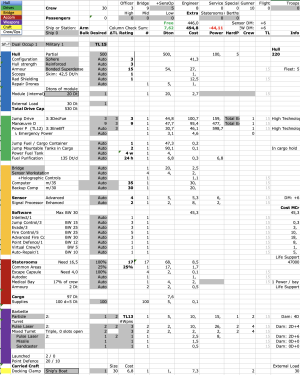
Collapse all the grouped cells with the "1" button top-left, they are generally not necessary for a basic ship:
Skärmavbild 2026-01-09 kl. 12.39.32.png
 
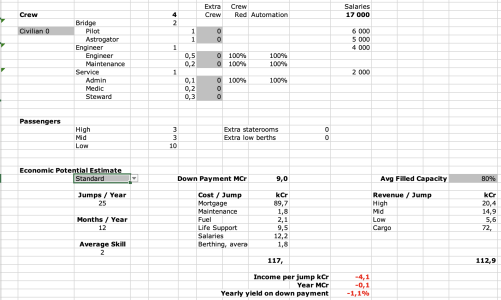
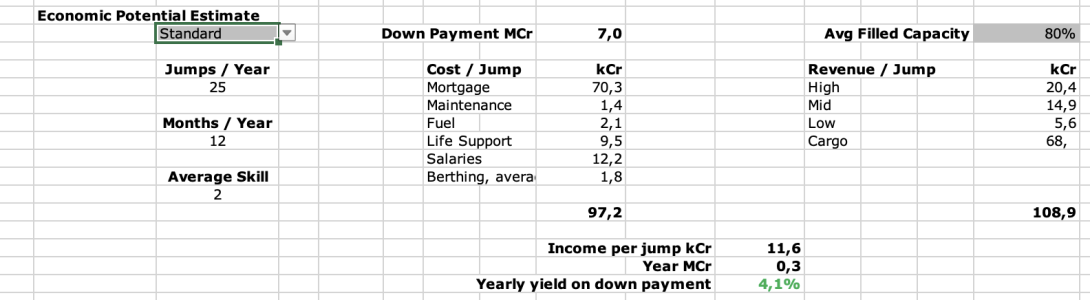
To get an estimated economic projection, select if the ship is a Custom or Standard design in cell C200:
Skärmavbild 2026-01-09 kl. 12.56.40.png
Not great...


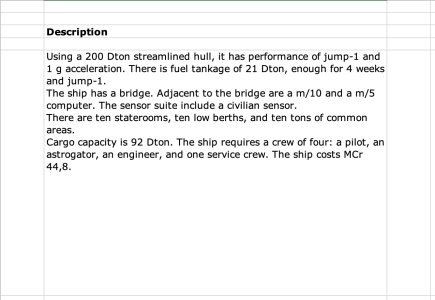
You'll find a CT-style description of the ship on the "Description" tab:
Skärmavbild 2026-01-09 kl. 13.00.19.png
 
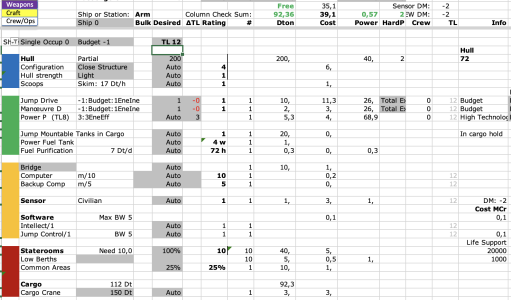
If we change the basic setting to "-1" (Budget ship) and refresh the filter, we get budget hull and drives:
Skärmavbild 2026-01-09 kl. 13.20.35.png
Saving about MCr 10.


Leading to a potentially profitable tramp trader:
Skärmavbild 2026-01-09 kl. 13.22.44.png
 
We seem to have run out of space, so go back and reduce the drives a bit, e.g. Jump-3:
Skärmavbild 2026-01-09 kl. 17.39.58.png


Add an external Ship's Boat in a Docking Clamp:
Skärmavbild 2026-01-09 kl. 17.41.54.png


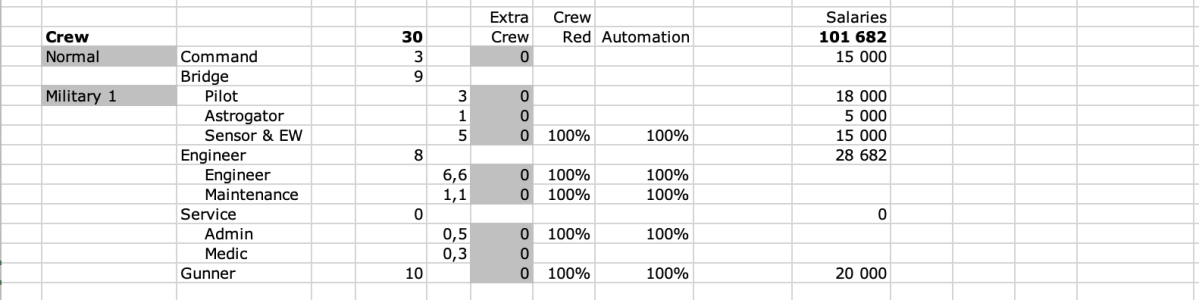
Add some Sensor Operators:
Skärmavbild 2026-01-09 kl. 17.44.30.png
Some Sensor Workstations are added automatically.


Make sure we have enough space for supplies:
Skärmavbild 2026-01-09 kl. 17.50.19.png


Since we have some space over, add a mission module:
Skärmavbild 2026-01-09 kl. 17.51.25.png
 
Back
Top